21 Tips On How To Reduce Printing Costs In An Office
How To Reduce Printing Costs In An Office Without Sacrificing Productivity
I’ve seen firsthand how printing quietly eats into office budgets. At first, it looks harmless, a few sheets of paper, some ink here and there, but when the numbers are added up, the waste is shocking. The average business spends around $725 per employee each year on printing, and in many cases, total print expenses swallow 1-3% of overall revenue.
For small and mid-sized companies with tight profit margins, this can be the difference between growth and struggle. That’s why knowing how to reduce printing costs in an officeis not just about saving money, it’s about running a leaner, more efficient workplace. Small adjustments add up fast, and when applied consistently, they can save thousands annually while also reducing unnecessary waste.
1. Implement Default Duplex Printing
This single change saves more money than almost anything else you can do. the estimated savings from printing duplex is about one cent per page, and it cuts your paper usage in half immediately.
Go into your printer settings right now and make double-sided printing the default. Yes, some documents need single-sided printing, but most internal memos, drafts, and reports work perfectly printed on both sides. I've helped companies save $2,000-5,000 annually just from this one change.
2. Switch To Draft Mode For Internal Documents
Draft mode uses up to 50% less toner than normal printing. For internal emails, rough drafts, and reference documents, draft quality is perfectly readable. The difference in toner consumption is dramatic. I've seen monthly toner costs drop by 30% when companies make this simple switch.
Set draft mode as the default for everyday printing, and only switch to high quality when printing client-facing documents or final versions.
3. Use Print Preview To Eliminate Waste
You'd be amazed how many people print documents without looking at them first. Print preview catches formatting errors, blank pages, and unnecessary content before it wastes your resources.
I encourage companies to make print preview mandatory through their print management settings. This simple step eliminates those frustrating moments when someone prints 50 pages only to discover the formatting was completely wrong.
4. Set Up Print Quotas By Department
Nothing changes behavior like accountability. I help companies establish monthly print quotas based on each department's actual needs. Marketing might need 2,000 pages monthly, while accounting might only need 500.
When people know they have limits, they naturally become more conscious about what they print. Plus, you get valuable data about which departments are your biggest printing consumers.
5. Establish Print-Free Zones
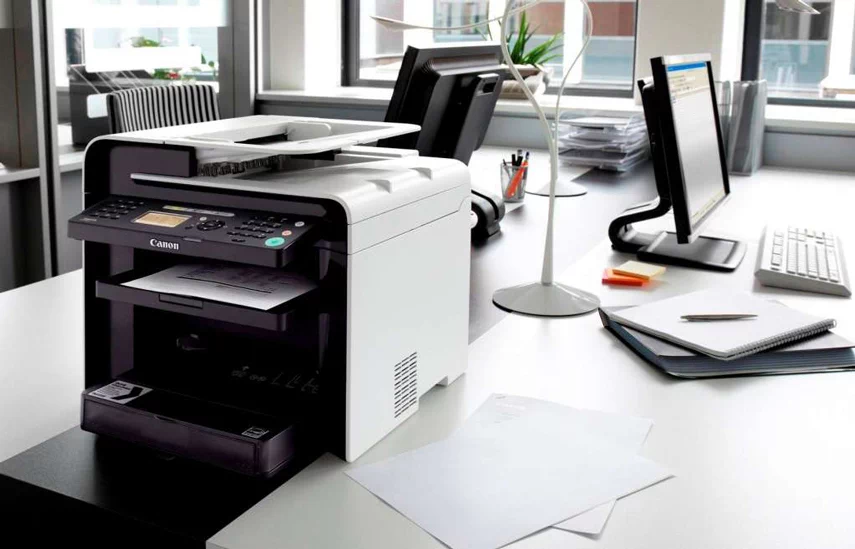
Designate certain areas as print-free zones where all communication happens digitally. Conference rooms work great for this use digital displays for presentations instead of printed handouts.
I've seen companies save hundreds of pages monthly just by making their main conference room paperless and encouraging digital note-taking during meetings.
6. Choose High-Yield Toner Cartridges
High-yield cartridges cost more upfront but deliver significantly lower per-page costs. A standard cartridge might print 1,500 pages while a high-yield version prints 3,000 pages for only 50% more cost. The math is simple you're cutting your toner cost per page in half.
I always recommend calculating the cost per page rather than just looking at cartridge prices. High-yield cartridges also reduce the frequency of replacements, saving staff time and reducing downtime.
7. Buy Compatible Vs. OEM Cartridges Strategically
Compatible cartridges can save 30-70% compared to manufacturer cartridges, but quality varies wildly. I recommend testing compatible cartridges on less critical printers first. For your main production printers, stick with OEM cartridges to avoid reliability issues.
Create a strategy: use compatibles for high-volume, low-importance printing, and OEM cartridges for client-facing documents and critical business communications.
8. Invest In Energy-Efficient Printers
Newer printers use significantly less electricity than older models. An old laser printer might consume 600 watts while running, while a new Energy Star-certified model uses under 200 watts for the same output.
When replacing printers, factor in the total cost of ownership including electricity. Energy-efficient devices also tend to have fewer common printer issues, since they’re designed with updated technology and better reliability in mind. That $200 in annual electricity savings adds up over the printer's lifespan.
9. Consolidate To Multifunction Devices
Instead of separate printers, scanners, copiers, and fax machines, use multifunction devices. One quality multifunction device costs less to purchase, maintain, and operate than multiple single-purpose machines.
I've helped companies reduce their device count from 15 individual machines to 5 multifunction devices, cutting maintenance costs by 60% while improving functionality.
10. Right-Size Your Printer Fleet
Many offices have too many printers for their actual needs. Analyze your printing patterns; you might discover that three centrally located printers can handle the same workload as eight scattered devices.
This is where smart printer fleet managementcomes in. By treating your printers as a system instead of individual devices, you can reduce maintenance costs, negotiate better supply deals, and simplify oversight. On top of that, people naturally print less when they need to walk to a central printer, which leads to even more savings.
11. Deploy Print Management Software
Print management software enables centralized control and monitoring, so all printers can be managed from one platform. These systems automatically enforce cost-saving policies like duplex printing and draft mode.
I've implemented solutions like PaperCut and uniFLOW that track every page printed, by whom, and for what purpose. PrinterLogic is a print management solution that reduces printing costs and commonly generates an ROI of around 200% or more. The visibility alone often reduces printing by 15-20% as people become aware of their usage.
12. Implement User Authentication Systems
Require people to authenticate at the printer before their jobs print. This prevents forgotten documents from piling up in output trays and ensures only necessary documents get printed.
Authentication systems also enable detailed reporting so you can identify your heaviest users and work with them on more efficient printing habits.
13. Set Up Pull Printing (Secure Release)
With pull printing, documents don't print until the user is physically at the printer to retrieve them. implementing just one feature, like secure print release, helped them save as much as 15%.
This eliminates waste from forgotten print jobs and improves document security by ensuring confidential information doesn't sit unattended in output trays.
14. Use Print Cost Tracking And Reporting
Detailed reporting reveals exactly where your money goes. I help companies generate monthly reports showing printing costs by user, department, and document type.
This data helps identify opportunities for additional savings and holds departments accountable for their printing expenses. When people see their actual costs in black and white, behavior changes quickly.
15. Create Department-Specific Print Policies
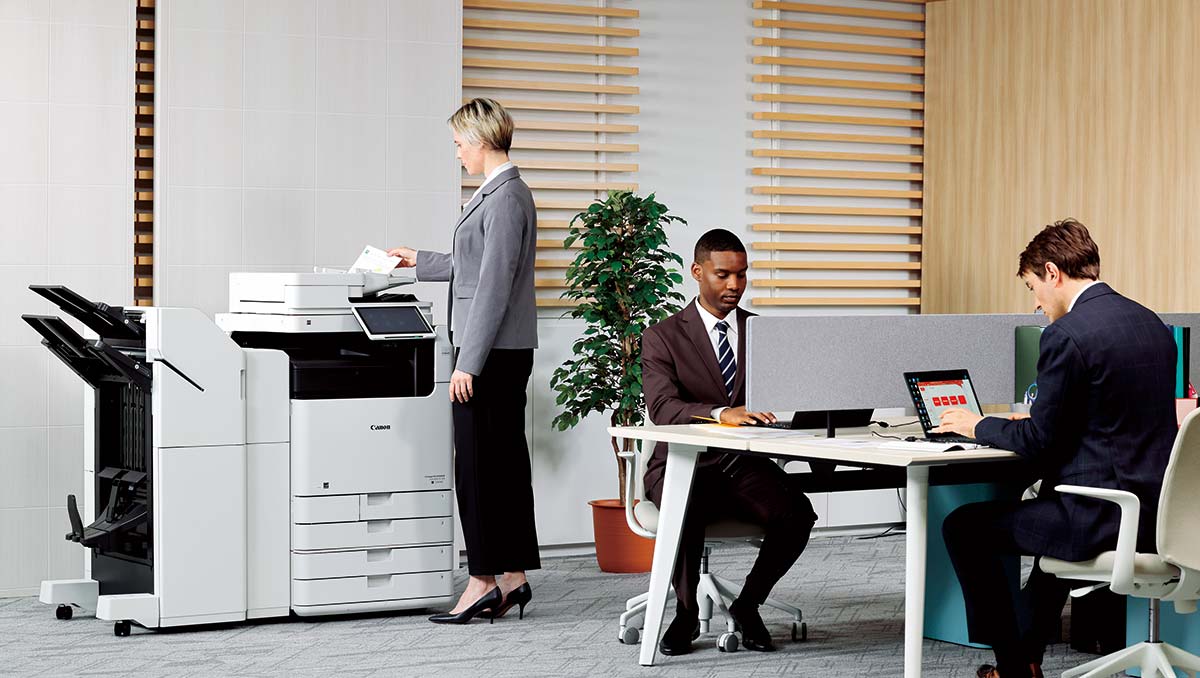
Different departments have different printing needs. Sales might need high-quality color brochures while accounting prints mostly black and white reports.
Create policies that match each department's actual requirements. Marketing gets color printing privileges, while administration defaults to black and white. This targeted approach maximizes savings without hurting productivity, similar to how gamers fine-tune their BGMI name styleto match their identity the right setup makes all the difference without unnecessary extras.
16. Digitize Document Workflows
Replace paper-based processes with digital workflows. Instead of printing forms for signatures, use fillable PDFs. Instead of printed invoices, send digital versions with online payment options.
I've helped companies eliminate 40-60% of their routine printing by digitizing standard business processes. The time savings often exceed the cost savings.
17. Use Cloud-Based Document Sharing
Platforms like Google Workspace, Microsoft 365, and Dropbox eliminate the need to print documents for sharing. Team members can collaborate on digital documents in real-time without ever printing a page.
Set up shared folders for common documents and train staff to access files digitally rather than printing copies for reference.
18. Implement Electronic Signatures
Electronic signature platforms like DocuSign and Adobe Sign eliminate printing for contracts and approvals. Legal electronic signatures are accepted for most business documents, removing the print-sign-scan cycle entirely.
This change alone can eliminate hundreds of pages monthly in most businesses while speeding up approval processes.
19. Create Digital Note-Taking Systems
Replace printed agendas and note-taking with digital alternatives. Tools like OneNote, Notion, or even simple shared documents allow meeting participants to access materials and take notes digitally.
Digital notes are searchable, shareable, and never get lost like printed papers do.
20. Establish Paperless Meeting Protocols
Make digital-first meetings your default. Share agendas electronically, use screen sharing for presentations, and encourage participants to bring laptops or tablets instead of printed materials.
I've seen companies cut meeting-related printing by 80% simply by changing their default approach from "print everything" to "share everything digitally."
21. Optimize Your Printing Fonts And Formatting
This might surprise you, but the font you choose can dramatically impact your printing costs. I've helped companies save 15-20% on toner costs just by switching fonts and adjusting formatting.
Fonts like Times New Roman, Calibri, and Century Gothic use significantly less toner than Arial or Trebuchet MS. The reason is simple: these fonts have thinner strokes and require less ink coverage per character. Switch your default document fonts to these toner-friendly options for all internal communications.
But here's where you can really save money: adjust your margins and line spacing. I recommend reducing margins from the standard 1-inch to 0.75-inch where appropriate. Increase line spacing from double to 1.5 spacing for drafts and internal documents. These small changes can reduce your page count by 10-15% without affecting readability.

Implementation Timeline And Action Plan
Let me give you a practical roadmap for implementing these changes without overwhelming your team.
30-Day Quick Wins
Start with the changes that require no budget and minimal time investment. Enable duplex printingdefaults, set up print preview requirements, and begin tracking your current costs. Establish print-free zones and start encouraging digital alternatives for routine tasks. These changes alone typically reduce costs by 15-25% within the first month.
90-Day Strategic Changes
Use your first month's data to identify the biggest opportunities. Implement print management software, establish user quotas, and begin transitioning to high-yield cartridges. Start digitizing your most common document workflows.
By day 90, most companies achieve 30-50% cost reduction and have systems in place for ongoing optimization.
People Also Ask
What Is The Biggest Cost In Office Printing?
Ink and toner are usually the most expensive part of printing. Paper costs add up too, but cartridges tend to drain budgets faster.
What Is The Cheapest Method Of Printing?
For large orders, screen printing is often the most cost-effective due to its economies of scale. For smaller quantities, HTV, DTG, or using a print on demand service might be more affordable.
What Is The Formula For Printing Cost?
CPP = Total Printing Cost ÷ Total Pages Printed
Here's how to break it down: Ink or Toner Cost Find the price of your cartridge and divide it by its page yield (how many pages it can print). Example: If a $100 cartridge prints 1,000 pages, the ink/toner cost per page is $0.10.
How Often Should I Maintain My Office Printer?
A quick clean once a month and a professional check every 6–12 months is usually enough to keep printers efficient.
What Are The Best Fonts For Saving Ink?
Fonts like Century Gothic, Times New Roman, and Ecofont are known to use less ink compared to heavy or bold fonts.
Final Thoughts
Reducing printing costs isn't just about saving money though those savings can be substantial. It's about building more efficient, environmentally conscious business operations that position your company for long-term success.
The 21 strategies I've shared with you represent everything I've learned from helping dozens of companies slash their printing expenses. Start with the quick wins, then gradually implement the more advanced solutions. Track your progress, celebrate your successes, and keep looking for new opportunities to optimize.